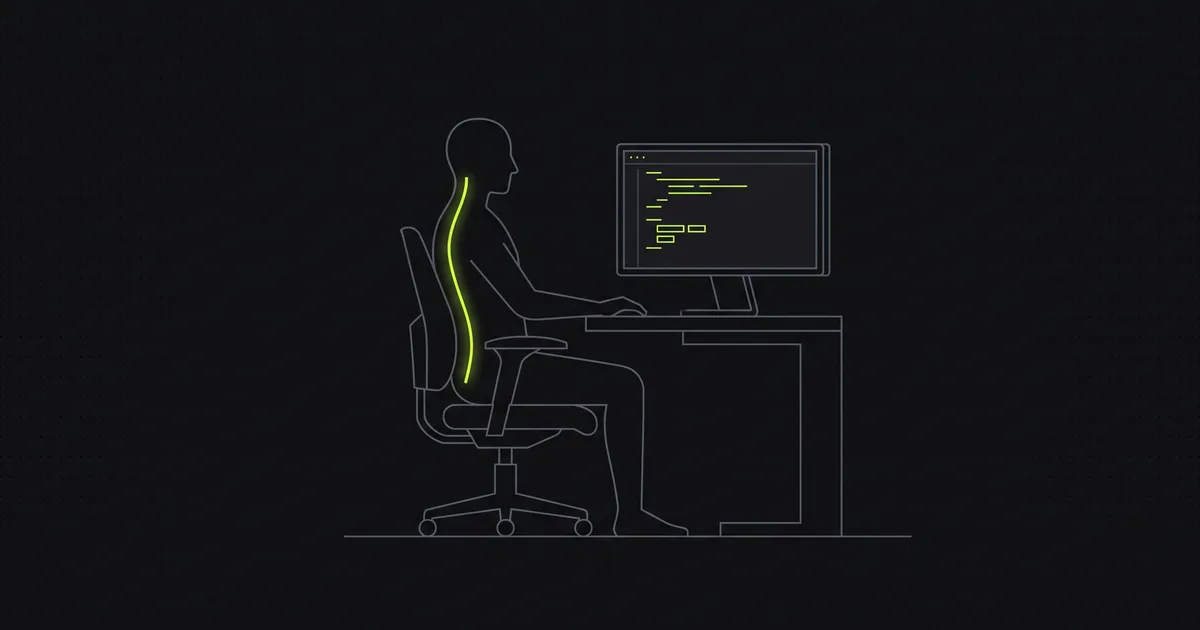
If you write code for a living, your desk is where your body spends most of its waking hours. The setup you barely think about is quietly shaping your neck, shoulders, and back, for better or worse, eight-plus hours a day, five days a week.
This is a practical guide to a desk setup that holds up over a long career: the few things that matter most, why they matter, and the one habit that beats any amount of expensive furniture.
Why developers are a special case
Plenty of jobs involve a screen. What makes deep technical work different is stillness. When you’re in flow, chasing a bug or holding a system in your head, you stop moving. You don’t shift, stretch, or look away. You hold one position for an hour without noticing.
That’s the real risk. It isn’t that any single posture is dangerous; it’s that focus keeps you frozen in whatever position your setup encourages, far longer than your body would otherwise tolerate. Fix the setup and you lower the cost of all those still hours.
The principle: neutral, then move
Two ideas sit behind everything below.
- Start from neutral. Set things up so your relaxed, default position is reasonably balanced, with your head over your shoulders and your shoulders over your hips, so you’re not fighting your furniture all day.
- Then move. No posture is meant to be held for hours. The best setup in the world still needs you to change position regularly. Neutral lowers the cost per hour; movement is what actually keeps you comfortable.
Your monitor: the biggest lever
Screen position drives head position, and head position drives most screen-related neck strain. Spend your attention here first.
- Height: the top of the screen at roughly eye level, so your gaze drops only slightly to the middle of the display. Too low and you look down all day, dragging your head forward.
- Distance: about an arm’s length away. Closer and you lean in; further and you crane to read.
- Laptop users: a laptop forces a compromise, since the screen is too low when the keyboard is at the right height. Fix it with a laptop stand plus an external keyboard and mouse, or an external monitor. This one change undoes the most common developer posture problem.
- Multiple monitors: put the one you use most directly in front of you, not off to the side, so you’re not turned for hours.
Your chair and hips
The chair’s job is to support a neutral pelvis, because the spine above it follows the pelvis.
- Set the height so your hips are level with or slightly above your knees, feet flat on the floor.
- Use the backrest. Let it support your lower back so your pelvis doesn’t roll backward and round everything above it.
- Expensive isn’t required. A cushion to stop the pelvis rolling back, and a footrest if your feet dangle, will take most chairs a long way.
Hands, wrists, and the mouse
- Keep your wrists roughly neutral while typing, not bent up or down. Your forearms should sit about parallel to the floor.
- Keep the mouse close, at the same level as the keyboard, so you’re not reaching out and rolling one shoulder forward.
- If your hands hurt, take that seriously on its own. It’s a separate issue from posture, and a reason to see a clinician.
The keyboard and shoulders
Your shoulders want to be down and relaxed, not hiked up toward your ears. A keyboard at the right height, with your elbows around 90° and forearms level, lets them settle. If you’re shrugging by the afternoon, your desk or chair height is usually the cause.
Standing desks: useful, not magic
A sit-stand desk is a good tool because it makes changing position easy, and changing position is the goal. But standing still all day has its own costs; it isn’t automatically “good posture.” The value is in alternating. Use it to break up long sitting blocks rather than to swap one frozen position for another.
The habit that beats any setup
Here’s the uncomfortable truth about ergonomics: the perfect setup, held motionless for eight hours, still isn’t great for you. Movement matters more than any single piece of gear.
The most effective habit is also the simplest. Change position regularly. A short break every 30–45 minutes to stand, look at something far away, and roll your neck and shoulders does more for how you feel than the most expensive chair. Tie it to something you already do: a passing test suite, a merged PR, a coffee refill.
A few focused minutes of movement a day, on top of those micro-breaks, rebuilds the capacity that sitting erodes. That’s the idea behind Spine’s 7-minute daily program: short, guided sessions aimed at the specific positions screen work pushes you into, so the time goes where it’s needed.
Measure your baseline
You can’t tell whether a setup change is working by feel alone; the effects are gradual. Measuring gives you proof.
Spine scans your posture from one side photo, estimates the angles behind it, and turns them into a single score from 0 to 100 you can re-check weekly. Adjust your desk, keep the daily habit, and watch whether the number actually moves. (The scan runs on-device, so your photo never leaves your phone.) If you’d like to measure before you change anything, start with how to measure your posture at home, and if your neck is the main complaint, tech neck, explained covers the mechanism.
A good desk setup doesn’t have to be expensive or complicated. Get the monitor up, support your hips, relax your shoulders, and above all keep moving.